Tracking your pipeline
A pipeline without a tracker is gossip. Five statuses, three cadences, one document that everyone updates.
Captain pipelines collapse when status lives in one organizer's head. The Datos Lab pipeline uses five named statuses, three follow-up cadences, and one shared document.
Five statuses. Prospect — identified, not yet asked. Asked — the recruitment conversation has happened, awaiting a yes/no. Committed — said yes, onboarding scheduled. Trained — onboarding completed, captain materials handed off. Active — has held at least one event or contributed to one in the past 12 months. There is a sixth informal status — dormant — for previously-active captains who have not been responsive for 90 days; dormant captains receive a re-engagement conversation before being removed from the active count.
Three follow-up cadences. Prospects in priority counties: contacted within 14 days. Asked status: follow-up within 7 days of the conversation. Committed-not-yet-trained: training scheduled within 30 days or they regress to asked.
One shared tracker. The Recruitment Tracker spreadsheet (which you will download in the next page) has one row per captain or prospect, the five status fields, the last-contact date, the next-action date, and a notes column. It is reviewed every other Friday by the captain coordinator and the lead organizer. Anything older than the cadence above gets surfaced for action that day.
Healthy ratios. A healthy pipeline has roughly 3 prospects for every 1 committed, and roughly 1.5 committed for every 1 trained. If your ratios are tighter than that, you are running out of recruitment runway and need to widen the prospect pool. If they are wider, your closing rate is the problem, not the prospect pool.
Learner action
Score your current pipeline against the five statuses. Where is the bottleneck? More prospects? More closes? Faster training?
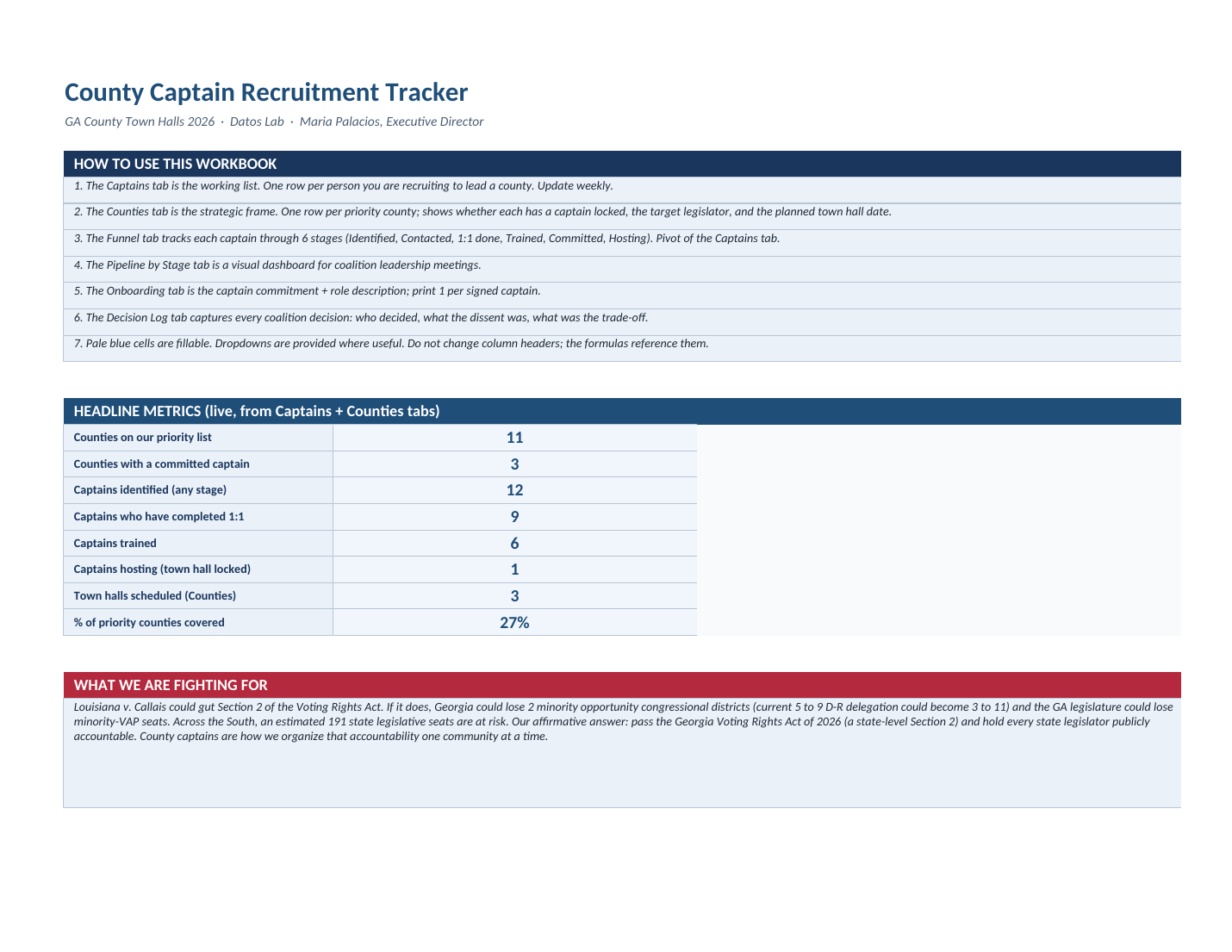
County Captain Recruitment Tracker
Six tabs covering Captains, Counties, the recruitment Funnel, Pipeline by Stage, Onboarding, and a Decision Log. The Headline Metrics tab pulls live numbers so coalition leadership can read coverage at a glance.
Action: Complete the learner action above, then slide to continue.